
Guides
Short narrated videos of Studio’s own screens, each with its steps written out. The same guides are built into the app.
Start here
-
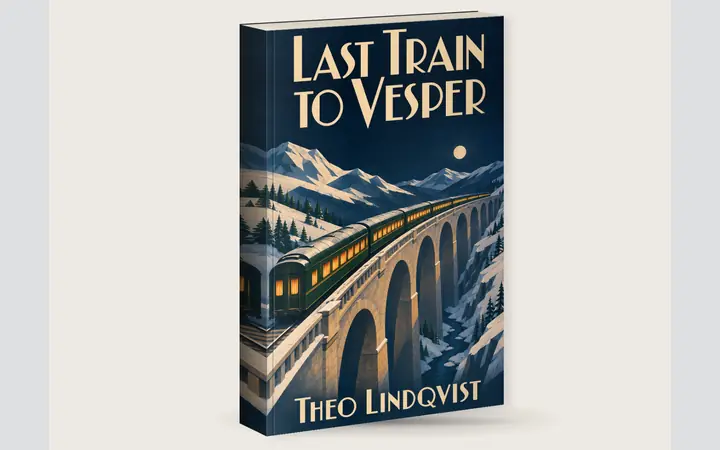 A two-minute tour of Bookshift Studio
Length 1:45
See how one book goes from first idea to finished files.
-
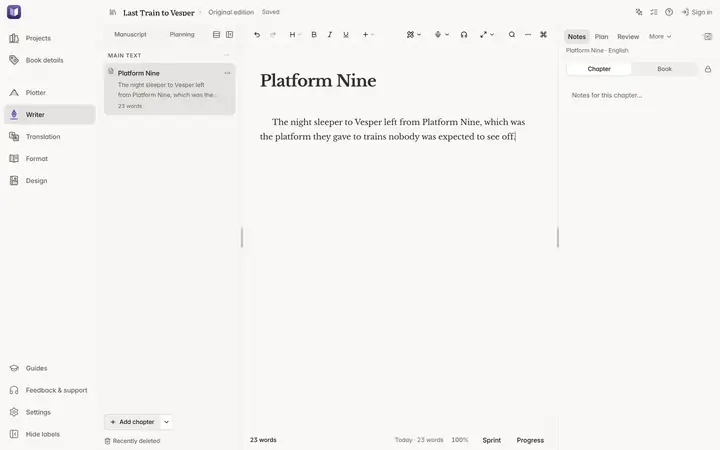 Start a new book
Length 0:47
Create a project and start writing in about half a minute.
-
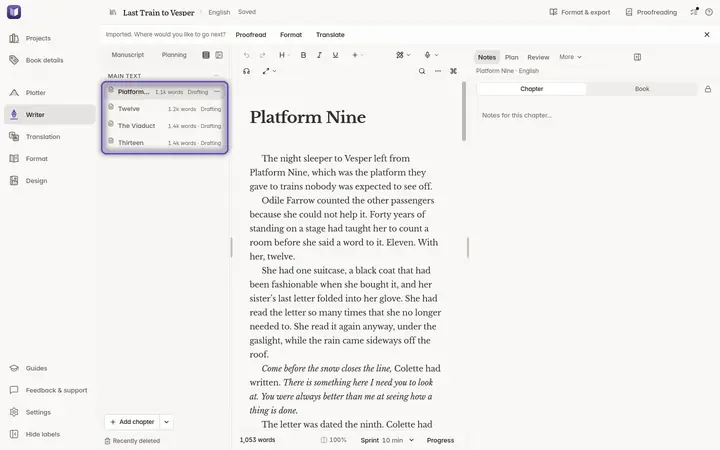 Bring in a manuscript you've already written
Length 0:47
Turn a Word, EPUB, Pages, Markdown or text file into a Studio project.
Assistant
-
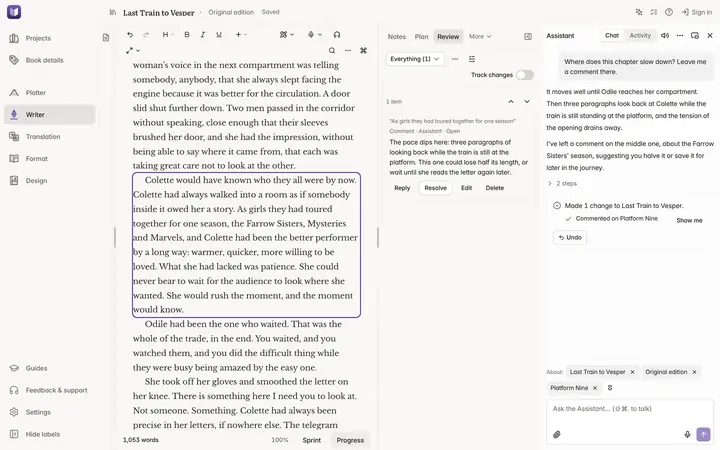 Meet the Assistant
Length 1:22
Ask for something in your own words, read what changed, see it with Show me and take it back with Undo.
-
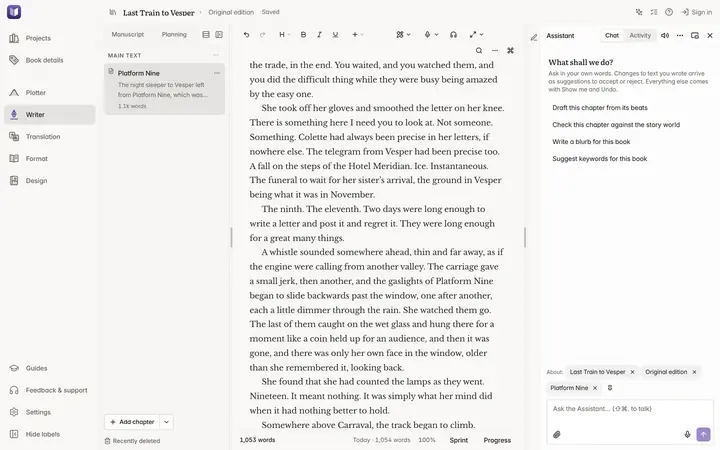 Set up the Assistant
Length 1:23
Choose Claude Code or Codex, sign in from Studio and start. The Assistant uses your own Claude or ChatGPT plan, and Studio adds no charge.
-
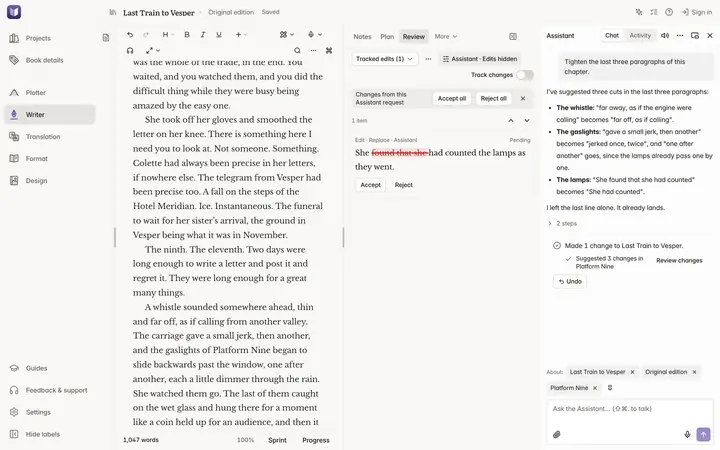 Your words stay yours: review the Assistant's edits
Length 1:13
Edits to text you wrote arrive as suggested changes. Accept or reject each one, or undo the whole request.
-
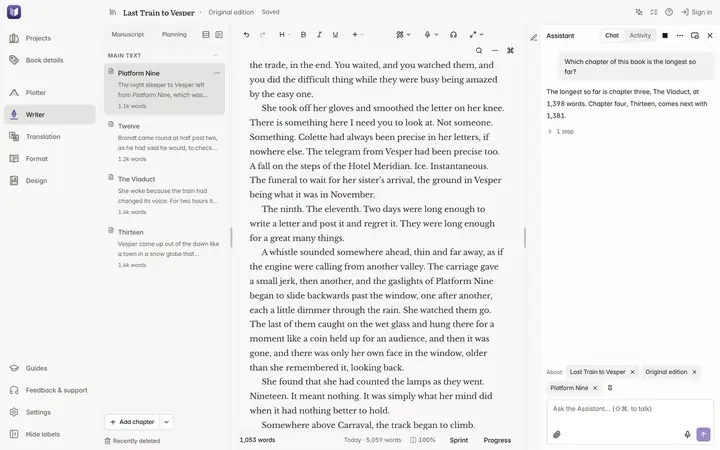 Talk to the Assistant
Length 1:19
Speak a request instead of typing it, and hear the reply. Then sign in to Bookshift without leaving Studio.
-
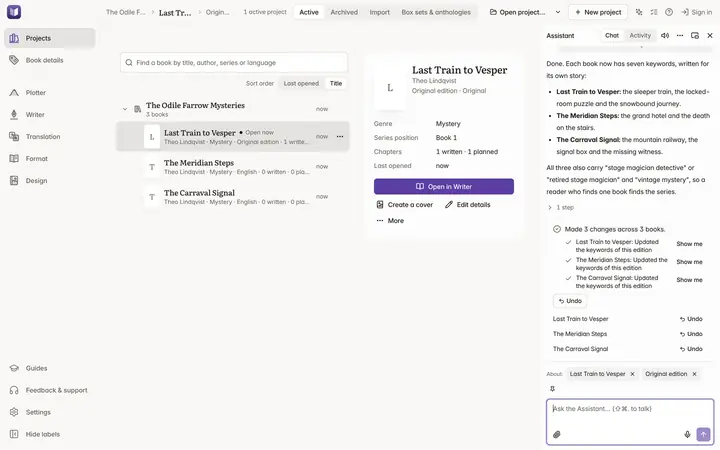 One request, a whole backlist
Length 1:26
Ask about all your books at once, then make one change across a series, with an Undo for each book.
Write
-
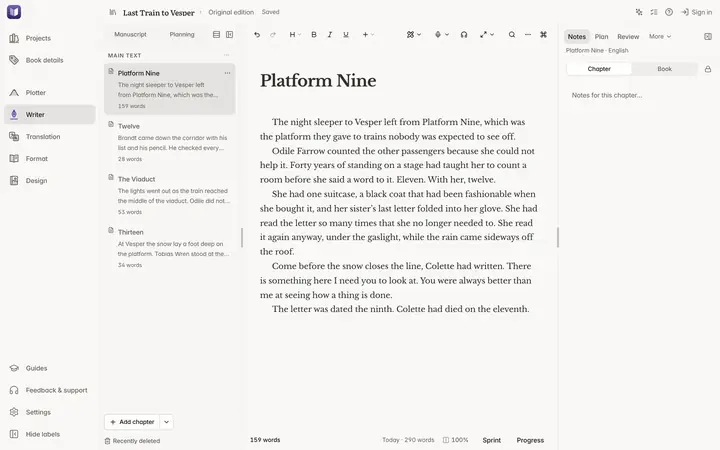 Write and organise your chapters
Length 1:03
Add chapters, reorder them, keep notes, and get earlier drafts back.
-
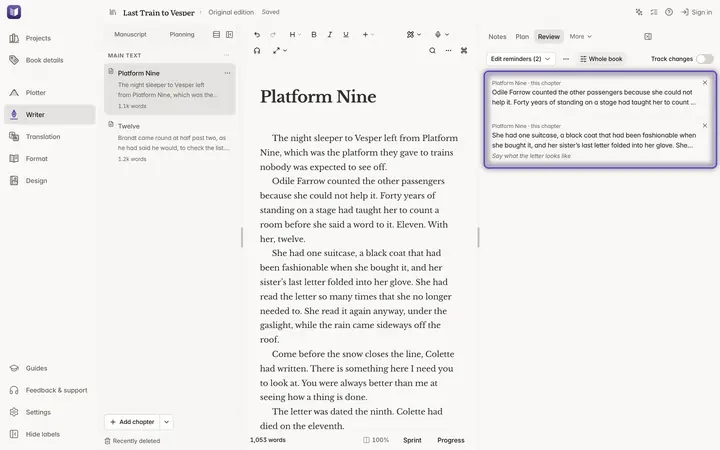 Read your book through and mark what to fix
Length 1:07
Let your manuscript scroll past in Edit Flow, mark places with one key, then fix them from Review.
-
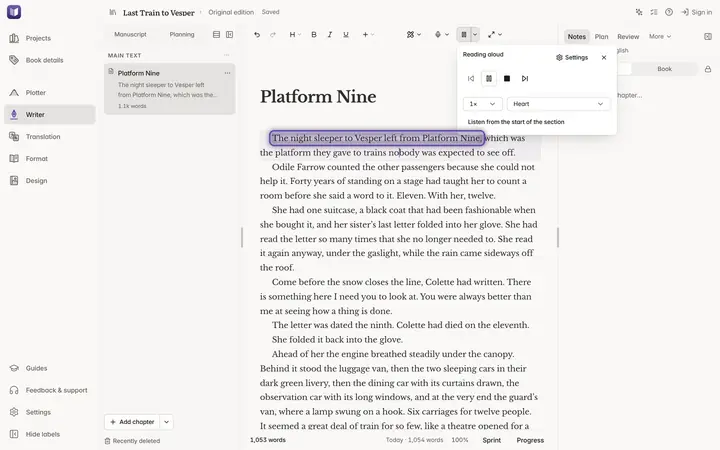 Hear your book read aloud
Length 1:23
Listen to a chapter or a passage in Studio's own voice, and teach it to say your names.
-
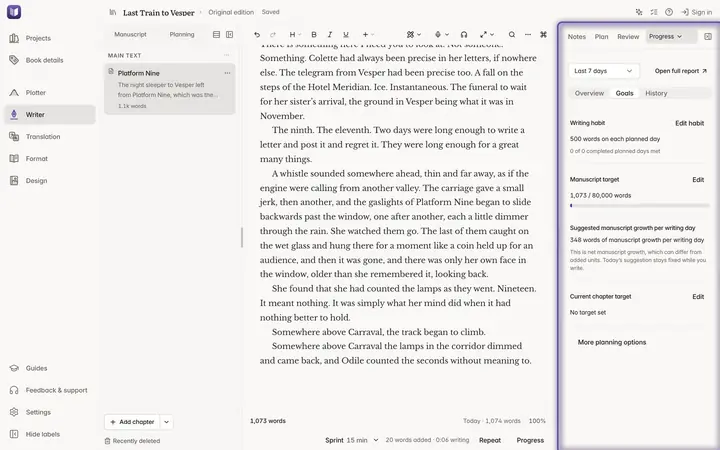 Set a writing goal and run a sprint
Length 1:04
Time a burst of writing, see your progress, and set a habit and a target for the book.
-
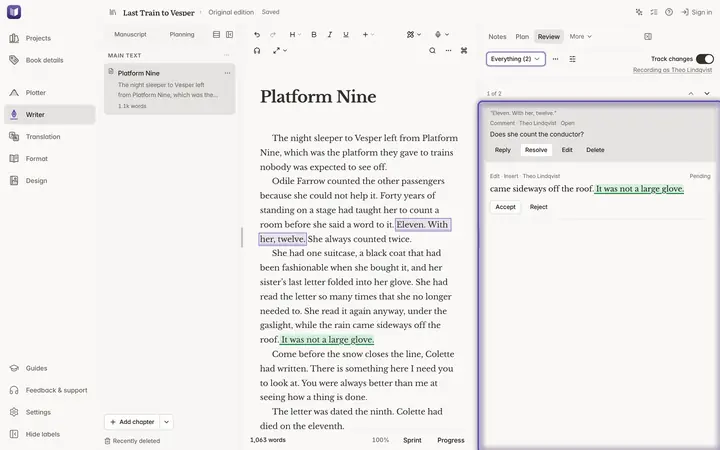 Work with an editor: tracked changes, comments and Word
Length 1:21
Track your own changes, leave comments, send a chapter to an editor in Word and bring their changes back.
Design
-
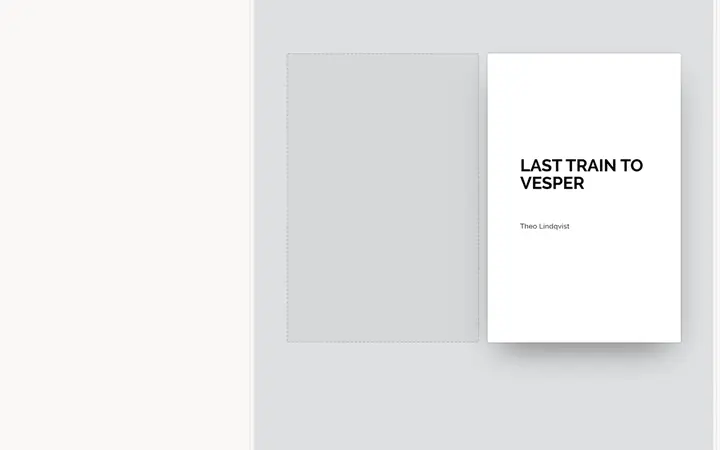
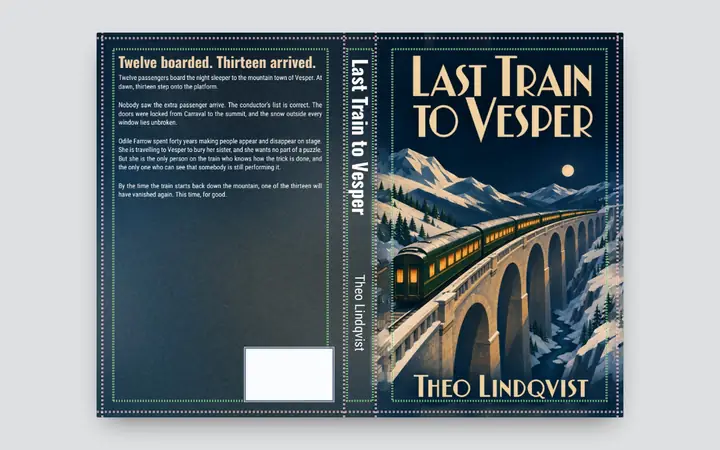 Make a paperback print cover
Length 1:08
Make the one file that wraps round the book: back, spine and front.
-
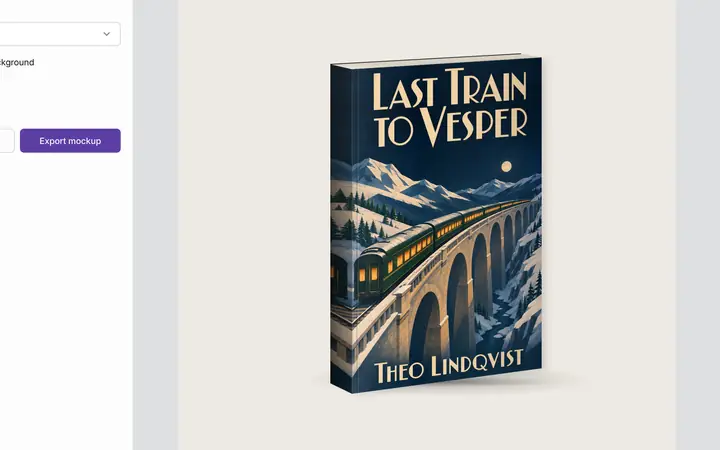 Show your book as a paperback, a stack or on a phone
Length 0:41
Make pictures that look like photographs of your book.
-
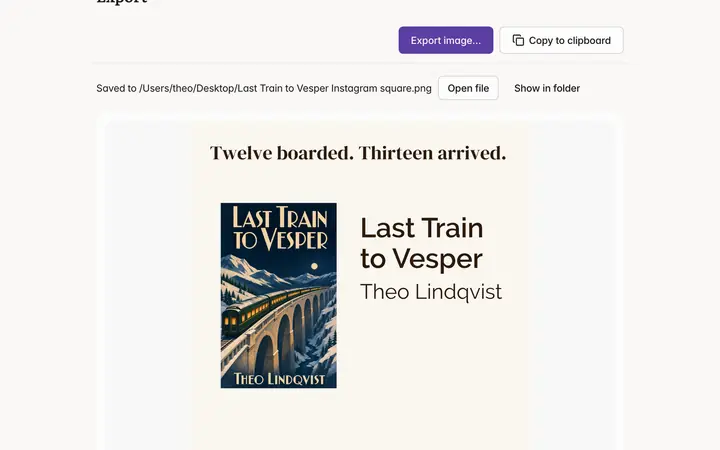 Make an Instagram ad
Length 1:02
Turn your cover into a picture at exactly the size Instagram needs.
Be among the first to try Studio.
Studio is released on 16 November 2026. Join the list and we’ll email you when it’s ready to download.